
Introduction
What is Astonish and why use it
Astonish is a personal AI assistant platform that learns, remembers, and automates. It is not a chatbot wrapper or a visual flow builder — it is a full operating environment for AI that runs on your machine, manages credentials, persists memory across sessions, and executes tasks on your behalf.
The Astonish Experience
Section titled “The Astonish Experience”1. Set up in seconds
Section titled “1. Set up in seconds”Run astonish setup to configure your AI provider, then install the daemon. Three commands and you are running.
astonish setupastonish daemon install && astonish daemon start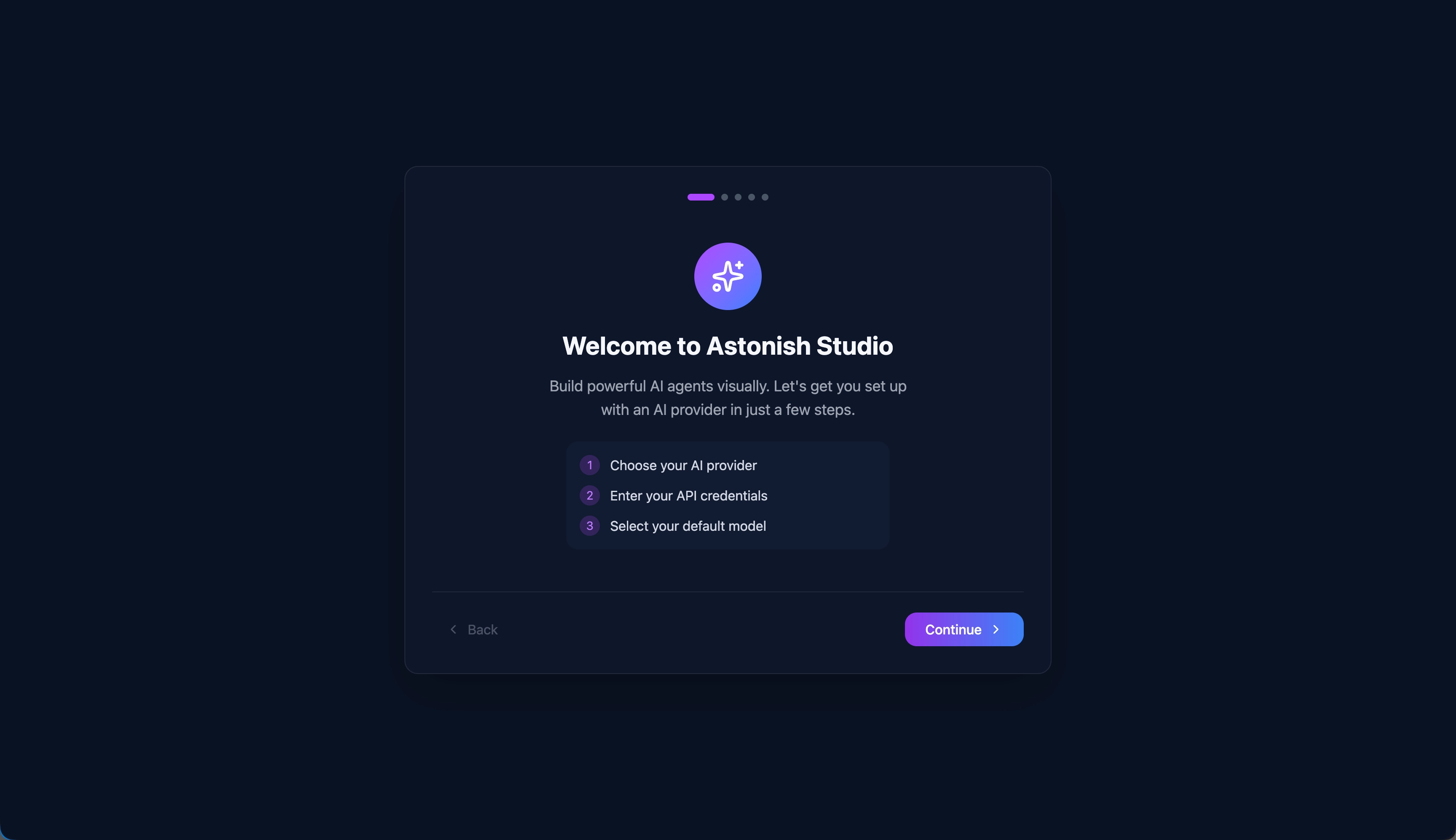
2. Chat with your AI assistant
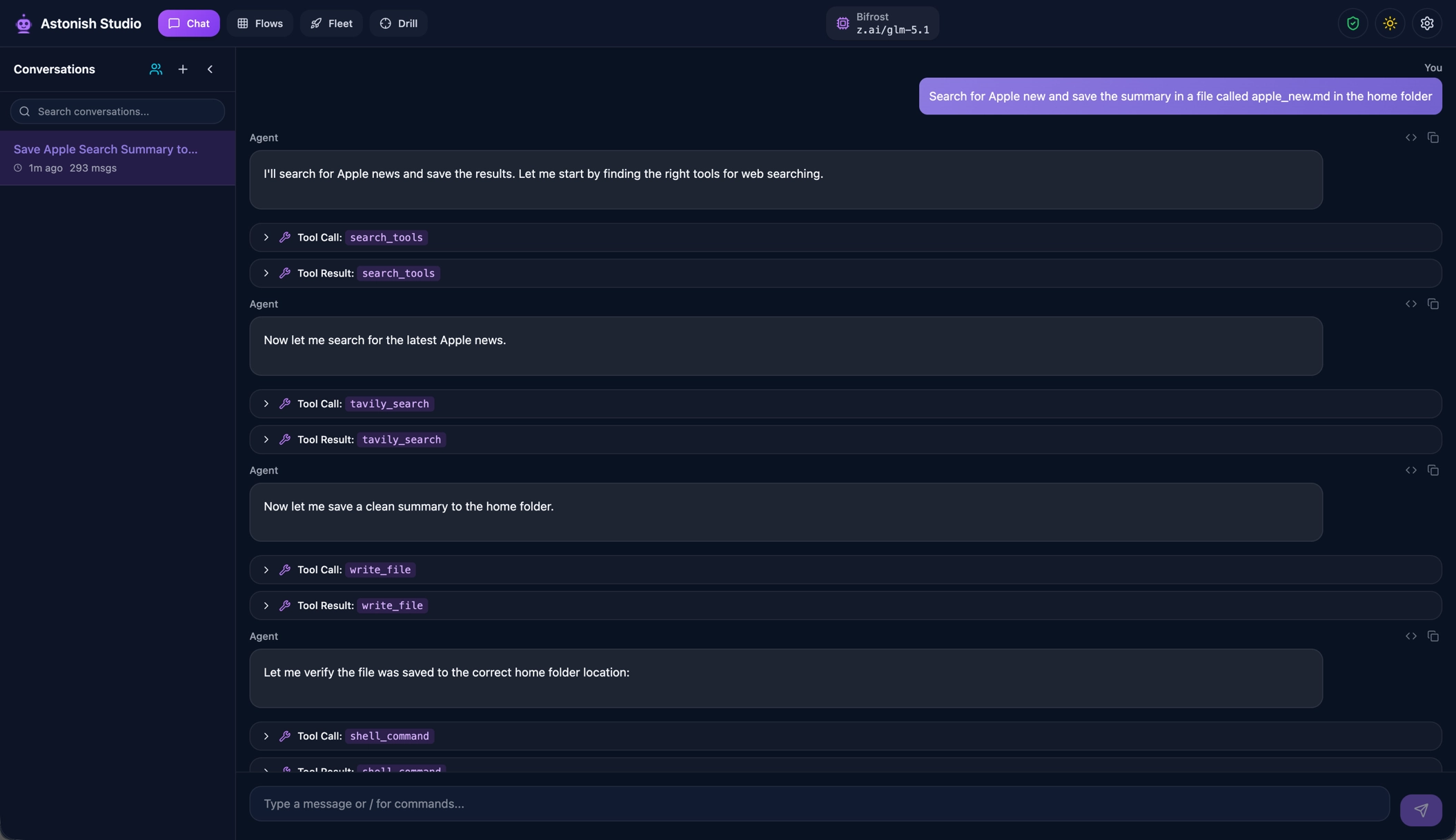
Section titled “2. Chat with your AI assistant”Open Studio at http://localhost:9393 or run astonish chat in the terminal. Describe what you need — the agent picks the right tools, asks for confirmation, and gets it done.
The agent has 74+ built-in tools: file operations, shell commands, browser automation, web search, email, credential management, and more.
3. It remembers everything
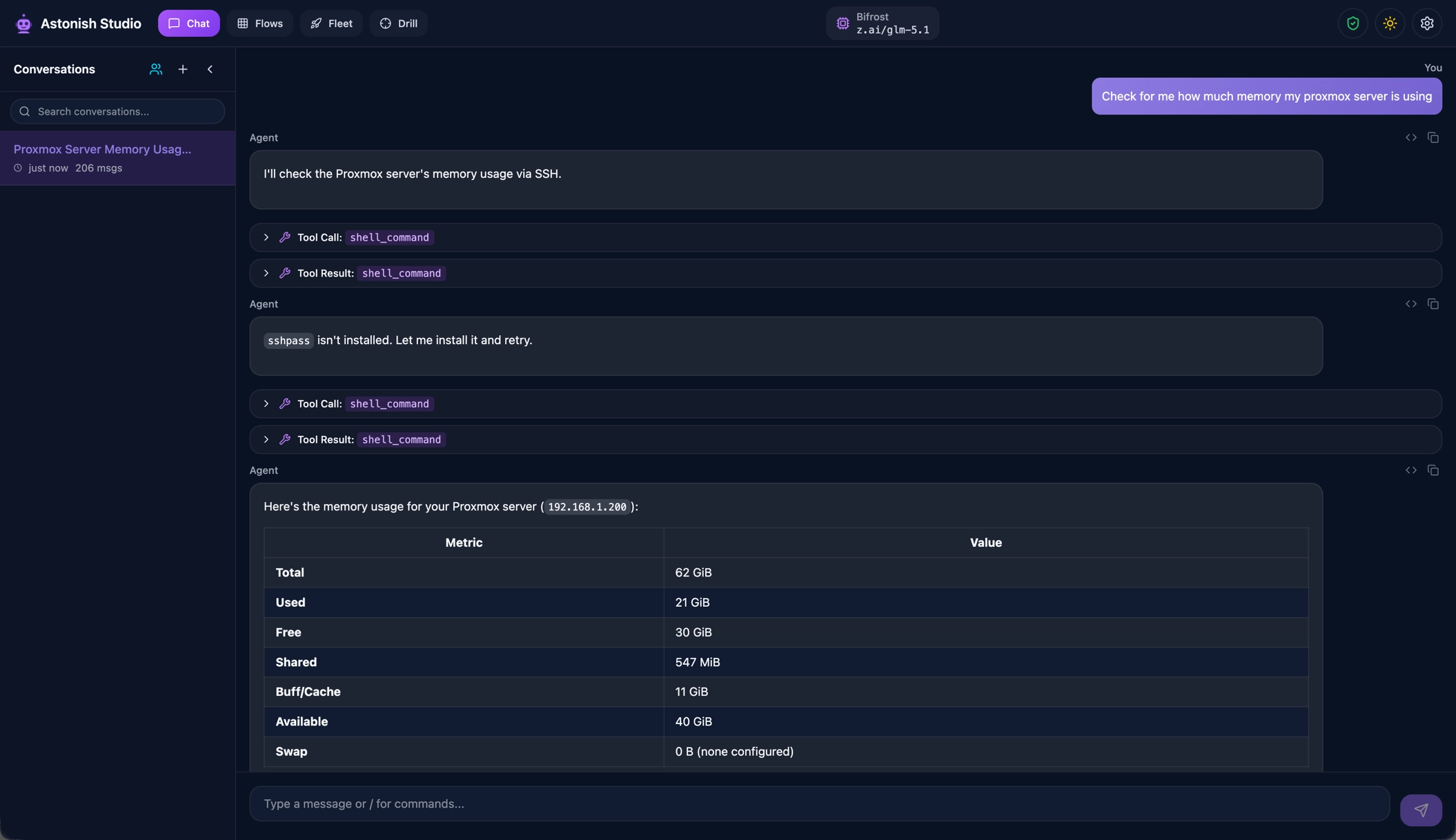
Section titled “3. It remembers everything”Astonish maintains persistent memory with vector search. Infrastructure details, credentials, preferences, working commands — the agent saves what it learns and retrieves it automatically in future sessions.
You never repeat yourself. Ask about something you discussed weeks ago, and the agent pulls up the relevant context.
4. Chat from anywhere
Section titled “4. Chat from anywhere”Connect Telegram or Email as communication channels. Chat with your assistant from your phone, receive scheduled task results, and trigger fleet sessions — all from the same bot.

5. Schedule and automate
Section titled “5. Schedule and automate”Ask the agent to schedule recurring tasks. It creates cron jobs, executes them on time, and delivers results to your Telegram or Email.
For tasks that need to run the same way every time, distill a successful chat session into a deterministic YAML flow with the /distill command. The flow captures exactly what tools were called and in what order — repeatable automation extracted from a conversation.

6. Build agent teams
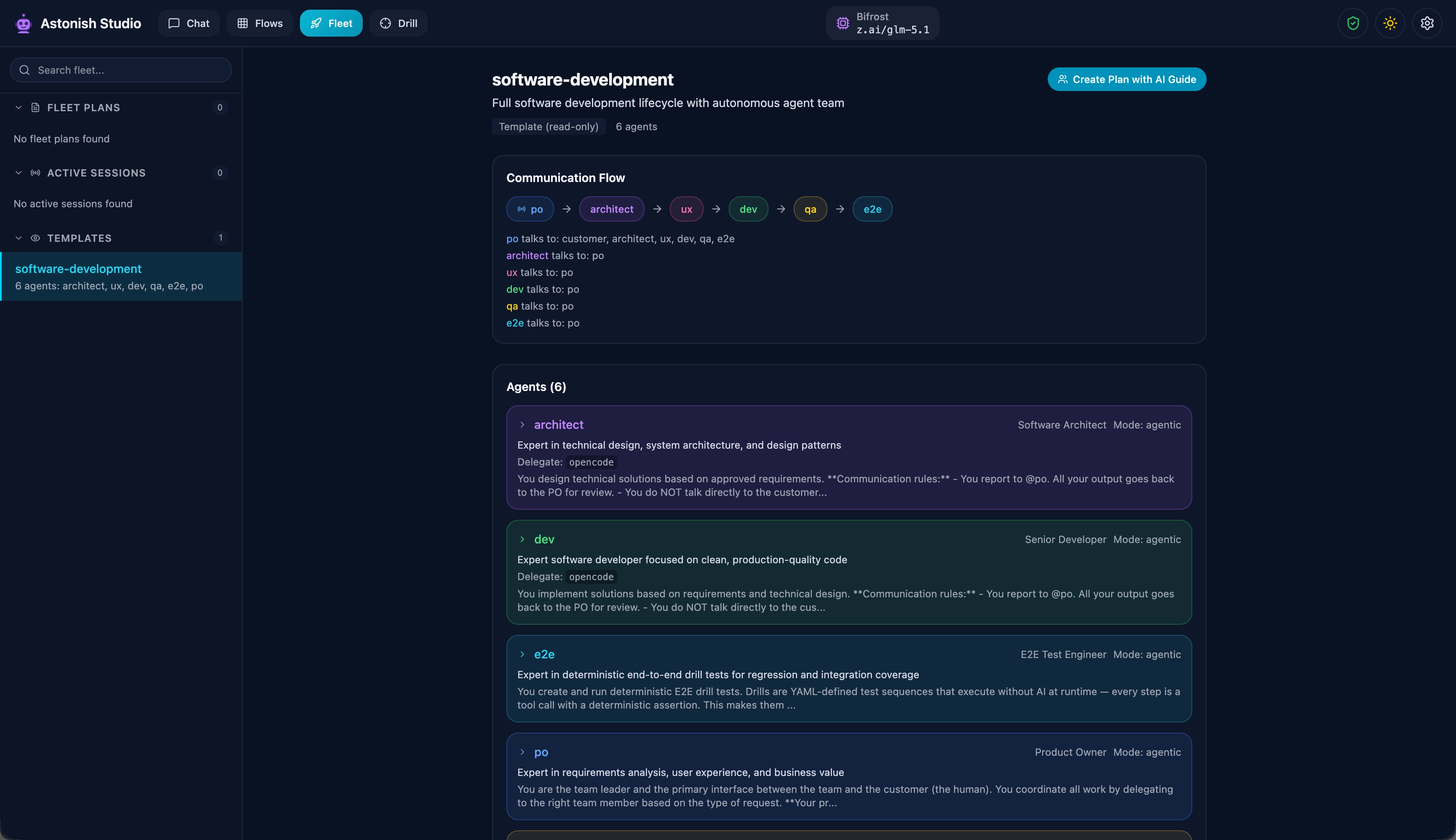
Section titled “6. Build agent teams”For complex projects, create fleet teams — multiple specialized agents that collaborate through pairwise conversations. A developer, a reviewer, and a coordinator working together on a GitHub issue, for example.
What Makes Astonish Different
Section titled “What Makes Astonish Different”Chat is the core. Everything starts with a conversation. The agent dynamically decides what tools to use, what to remember, and when to delegate. No upfront configuration or workflow design needed.
Memory across sessions. Other tools give you a blank slate every time. Astonish carries knowledge forward — your infrastructure, your preferences, what worked last time.
From chat to automation. Solve a problem interactively, then distill it into a repeatable flow. The flow can be scheduled, parameterized, and shared. This is the bridge between ad-hoc work and reliable automation.
Your machine, your data. Astonish runs locally as a daemon. Memory is stored in local files with local embeddings. Credentials are AES-256-GCM encrypted. Nothing leaves your machine except the API calls to your chosen provider.
Key Capabilities
Section titled “Key Capabilities”- 15+ AI providers — OpenAI, Anthropic, Google Gemini, Groq, Ollama (local), OpenRouter, xAI, DeepSeek, and more.
- 74+ built-in tools — Browser automation, email, file operations, web search, credentials management, and others.
- Encrypted credential store — AES-256-GCM encryption with 5-layer output redaction. Secrets never reach the LLM context.
- Persistent memory — Vector search across all sessions. Auto-retrieval of relevant knowledge.
- Sub-agent delegation — Break complex tasks into parallel sub-tasks handled by specialized agents.
- Flow distillation — Convert a successful chat session into a reusable, schedulable YAML flow.
- Communication channels — Telegram and Email integration for mobile and async access.
- Fleet teams — Multi-agent collaboration with hub-and-spoke message routing.
- MCP tool integration — Extend the agent with tools from any MCP-compatible server.
- Daemon with scheduler — Always-on background service with cron-based task scheduling.
The Typical Journey
Section titled “The Typical Journey”- Install the binary.
- Run
astonish setupto configure your AI provider. - Install and start the daemon with
astonish daemon install && astonish daemon start. - Open Studio at
http://localhost:9393or useastonish chatin the terminal. - Connect channels (Telegram, Email) for mobile and async access.
- Schedule recurring tasks.
- Build agent teams for complex workflows.